Login and Access
Learn how to authenticate into the CELC platform and access your user dashboard.
Accessing the Platform
To ensure data security, access to the CELC platform is managed centrally through our Main Portal.
Steps to Log In
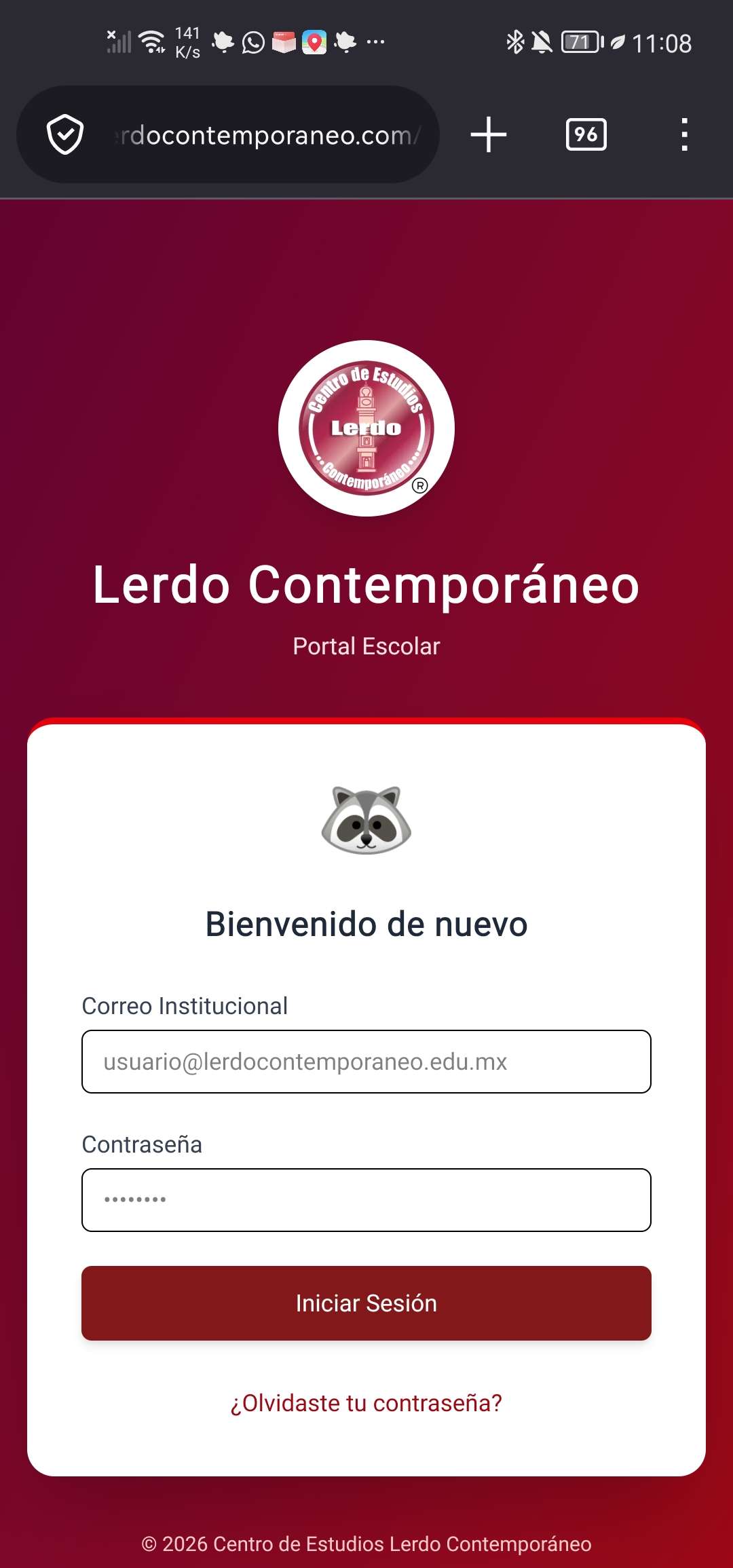
- Go to the main portal login page.
- Enter your institutional email and assigned password.
- Click the “Log In” button.
Shared Session and Subdomains
Once logged into the portal, your authentication is automatically maintained across this documentation site and other school services.
💡 Tip: If your session expires, you will be automatically redirected to the portal to renew your credentials.
Access Levels by Role
The documentation and features available to you will depend on your assigned role:
- Students / Users: Access to general usage guides and platform manuals.
- Teachers: Access to academic management guides and reports.
- Administrators: Full access to system architecture, backend, and network configurations.